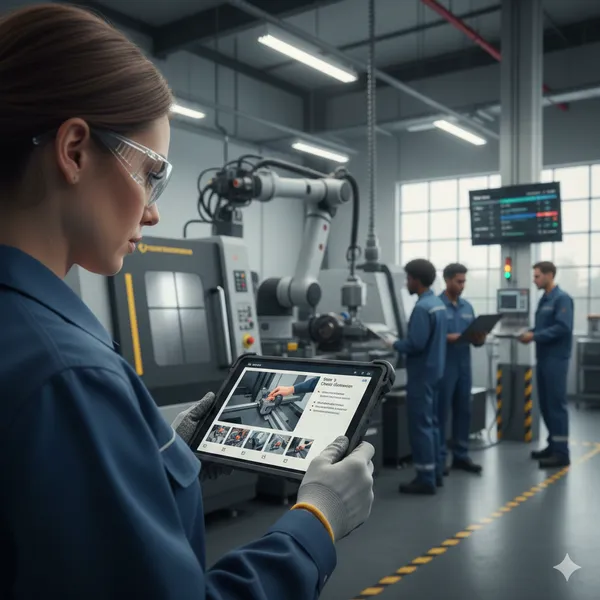
How to Record Work Instructions for Physical Processes
Jure Špeh, Co-founder and CTO
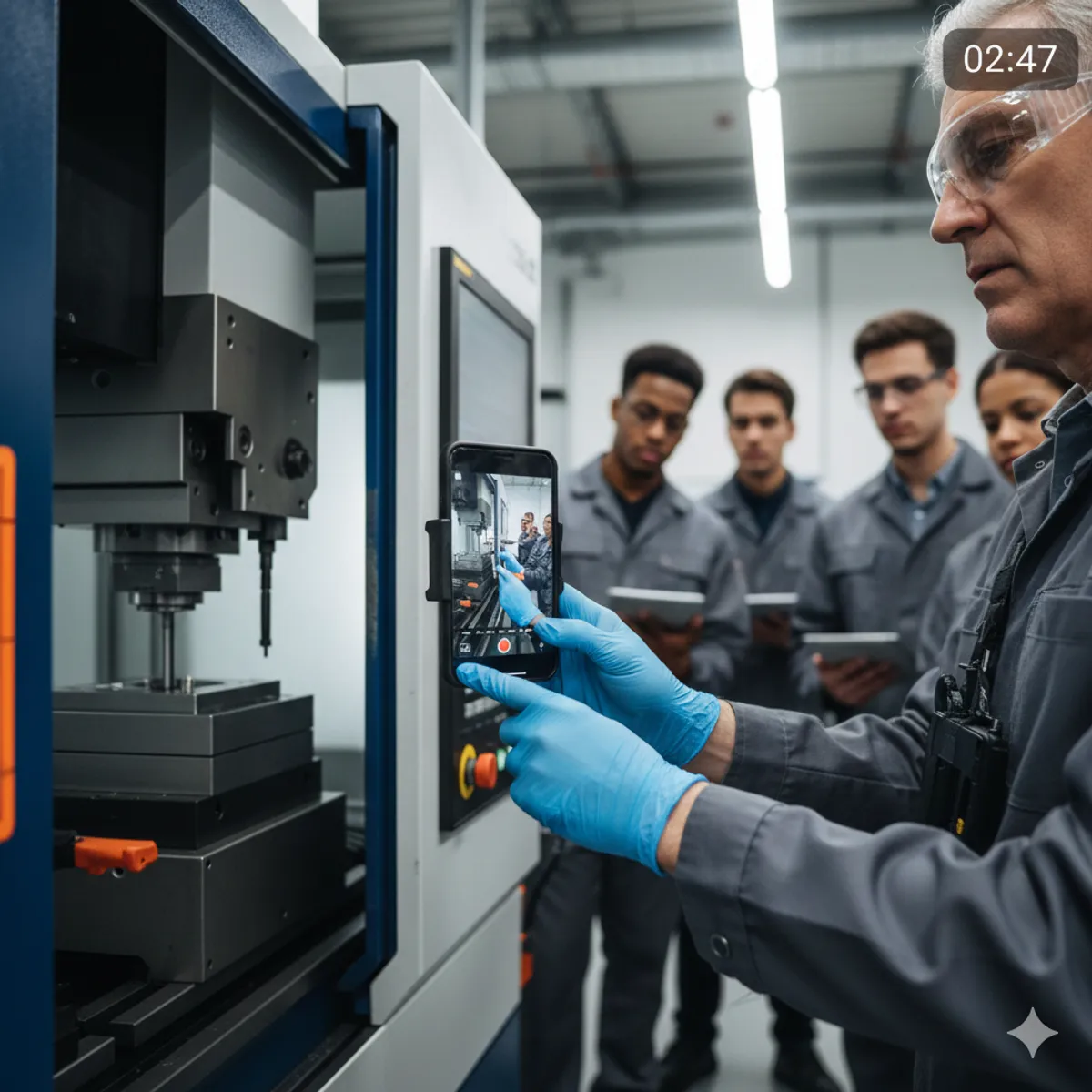
Recording real-world processes like machine setup, tool changes, or packaging is a faster and more reliable alternative to writing SOPs manually. This guide shows how to capture usable video that can be converted into step-by-step work instructions with AI.
30-second summary
Recording physical processes on video captures implicit knowledge that written SOPs consistently miss. With the right approach, a simple phone recording can be converted into structured, searchable, multilingual work instructions that reduce onboarding time and execution errors.
Why capturing a process on video is a smart decision
Video captures far more than text ever can: hand movements, tool orientation, machine states, timing, sound cues, and environmental context. These details are usually lost when a process is documented after the fact.
New operators often fail not because instructions are missing, but because critical “obvious” details were never written down. Video preserves those details directly, without relying on interpretation or memory.
For physical work such as machine setup, tool changes, or packaging, this difference directly affects scrap rate, downtime, and safety incidents.
Why raw video alone is not enough
Storing videos in SharePoint, Google Drive, or a shared folder is not a documentation strategy.
Unstructured video creates three problems:
- Workers lose focus after a few minutes and miss key steps.
- Finding a specific parameter or action requires scrubbing through long recordings.
- Videos cannot be easily translated, updated, or standardized across shifts.
Breaking a process into short, clearly defined steps solves this. Each step contains only the information needed to perform that action, making execution faster and more reliable.
A step in the process changed? With just a video, you need to re-record whole process from scratch. Whith TagPlan Work Instructions, you just update the step.
Practical guide: how to record usable process videos
You do not need professional equipment or studio conditions.
A smartphone is sufficient.
The main constraint in real environments is that operators need both hands free. Common solutions:
- Ask a coworker to record while the task is performed.
- Use a GoPro with a head or chest mount.
- Use a phone chest or body strap to record from a first-person perspective (example, not affiliated: Mobile Phone Chest Strap)
This setup captures the operator’s point of view without expensive equipment or wearable cameras.
What to do with the recorded footage
Traditional approaches require manual work:
- Watching the video repeatedly
- Taking screenshots
- Writing step descriptions
- Formatting documents
- Translating content into multiple languages
Video-based instruction tools reduce some effort but still require manual editing and step creation.
With TagPlan Work Instructions, the workflow is:
- Upload the raw video
- AI automatically splits it into steps
- Titles, descriptions, key actions, and safety notes are generated
- You review and adjust the output
- Translations are generated with one click
This turns raw footage into structured, executable SOPs without rebuilding documentation from scratch.
If you want to participate as a design partner, apply to TagPlan Work Instructions Early Access.
Frequently Asked Questions
How long should a process video be?
Record the full process without stopping, even if it takes 10–20 minutes. Length does not matter at capture time. The video will be split into short, actionable steps later. But if video is longer than 20 minutes, you should consider splitting it into more procedures. Generally think in atomic non-splittable procedures - one procedure is one video.
Do operators need training to record videos?
No. If someone can perform the task, they can record it. The goal is realism, not presentation quality.
What about noisy or poorly lit environments?
Background noise and imperfect lighting are acceptable. Clear visibility of hands, tools, and machine interfaces matters more than production quality.
Can videos be updated when a process changes?
Yes. You can upload a new recording or replace individual steps without rewriting the entire SOP.
Is this suitable for regulated or safety-critical processes?
Yes, but human review is mandatory. AI accelerates documentation; accountability and approval remain with your organization.
How does this reduce onboarding time?
New hires learn by executing steps, not watching long videos or reading dense documents. Step-based instructions reduce cognitive load and shorten time to independent work.
Is our data used to train AI models or shared with third parties?
No. Your data is not used to train public or third-party AI models.
All processing is done using paid, enterprise-grade APIs. Uploaded videos and generated work instructions are processed only to produce your output. They are not retained for model training, shared across customers, or reused in any form.
From a GDPR perspective:
- You remain the data controller.
- We act strictly as a data processor.
- Data is processed only for the explicit purpose of generating your work instructions.
- No content is used for improving or training external AI models.
This approach ensures compliance with GDPR principles of purpose limitation, data minimization, and confidentiality.