How to Write a Training Manual in 2026: Faster, Clearer, and Easier to Update
Jure Špeh, Co-founder and CTO
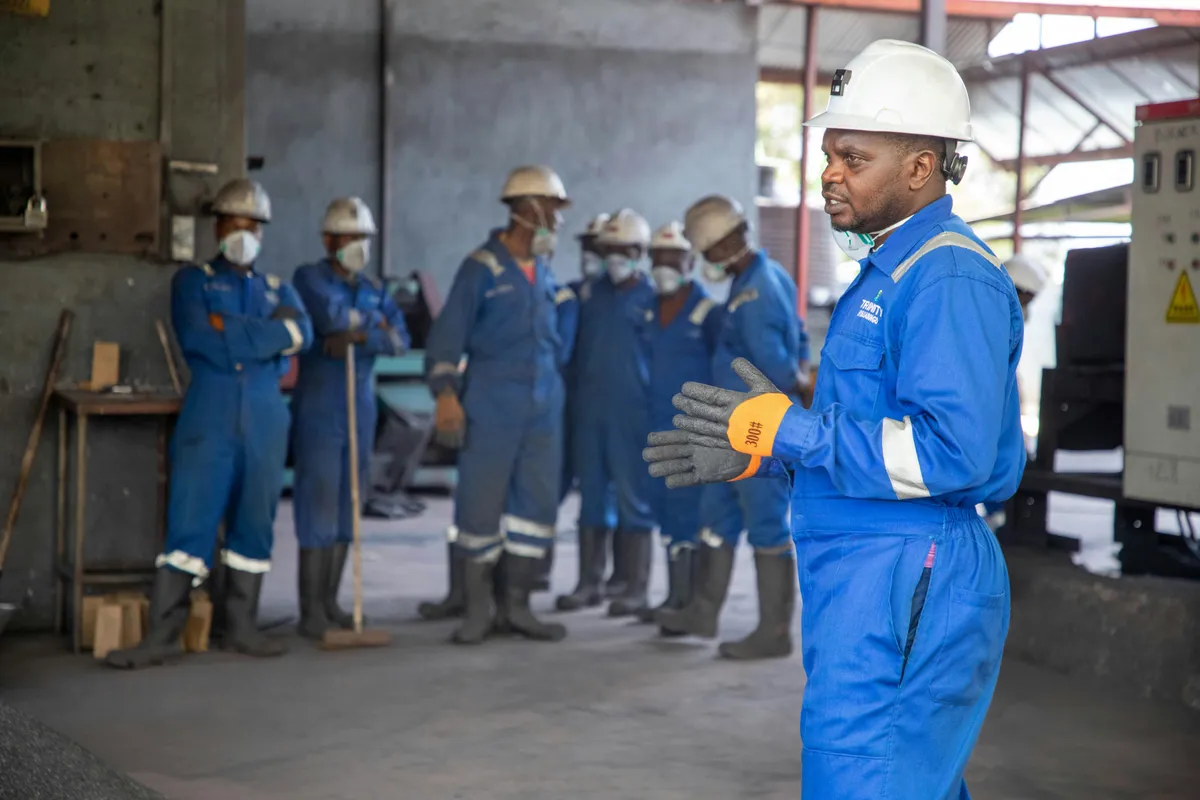
A training manual should help people do the job right without asking for help. This guide shows a simple structure, writing tips, and real examples so you can build a training manual faster in 2026 and keep it up to date.
30-second summary
The fastest way to write a training manual in 2026 is to stop writing one giant document.
Write a short “map” (what to learn) and many small “task pages” (how to do it).
Keep each page under 2 minutes to read. Update pages, not the whole manual.
What a training manual is (and what it is not)
A training manual is a set of instructions that helps someone:
- learn a role
- do tasks the right way
- solve common problems
- work safely
A training manual is not:
- a policy document
- a long PDF nobody opens
- a place to store every detail you know
If people still ask the same questions after reading it, the manual is missing the real steps.
Before you write: pick one reader
Most manuals fail because they try to help everyone.
Pick one “main reader” and write for them:
- a brand new hire
- an experienced worker changing roles
- a contractor doing one task
- a supervisor checking quality
Write the manual so this person can finish tasks without needing help.
The best training manual structure (simple and scalable)
Use a two-layer structure:
Layer 1: The training map (1–2 pages)
This is the overview. It answers:
- What the job is
- What “good” looks like
- What to learn first
- Where to find help
Example: Training map for “Machine Operator – Line A”
- Day 1: Safety, shift flow, basic controls
- Week 1: Setup, quality checks, common stops
- Week 2: Changeovers, troubleshooting, cleaning
- Links:
- “Start of shift checklist”
- “Changeover steps”
- “Quality check steps”
- “Top 10 problems and fixes”
Layer 2: Task pages (work instructions)
Each task page should be short and direct.
Good task pages include:
- when to do the task
- tools needed
- steps (with checks)
- mistakes to avoid
- what “done” looks like
Write task pages that people actually follow
Use this template.
Task page template
Title: Changeover: Install new mold (Line A)
When to use: When switching product type on Line A
Time needed: 25–40 minutes
Tools: Torque wrench, gloves, crane hook
Steps:
- Power off machine and apply lockout
- Open safety guard
- Attach crane hook to mold
- Align mold with mounting plate
- Tighten bolts to 120 Nm
- Connect cooling lines (blue → inlet, red → outlet)
- Close guard and remove lockout
Check: Mold is aligned, bolts torqued, no leaks
Common mistakes:
- Forgetting lockout
- Wrong cooling line direction
- Skipping torque setting
This format works for manufacturing, warehouse, IT, healthcare, and admin work.
Writing rules that improve clarity fast
Use simple verbs
Write steps like actions:
- “Click Save”
- “Scan the barcode”
- “Tighten bolts to 120 Nm”
- “Record the result in the log”
Avoid vague steps:
- “Handle carefully”
- “Make sure it is correct”
- “Do the procedure”
One step = one action
If a step has “and”, split it.
Bad:
- “Open the panel and check the filter and clean it”
Better:
- “Open the panel”
- “Check the filter”
- “Clean the filter”
Put numbers where they matter
If there is a setting, include it:
- temperature, torque, pressure
- part number
- pass/fail limits
If you don’t include numbers, people guess.
Add a “check” after the steps
A check is how a trainee knows they did it right.
Examples:
- “Label is printed and matches the order”
- “No leaks after 30 seconds”
- “Customer sees the confirmation email”
Use examples for hard parts (one is enough)
If a section is easy to misunderstand, add a short example.
Example: Writing a quality check step
Bad:
- “Check if the part is good”
Better:
- “Measure diameter with caliper”
- “Pass if diameter is 10.00–10.05 mm”
- “If it fails, stop the line and call the supervisor”
This reduces mistakes and makes training faster.
How to collect the content quickly (without guessing)
You need three inputs:
- One expert (the person who does the task well)
- One new person (who will misunderstand)
- One real run of the task (watch it happen)
Fast method:
- record the task once (phone or screen recording)
- write steps from the recording
- test the steps with the new person
- fix what they get wrong
This avoids “perfect looking” manuals that fail in real life.
Keep it up to date: the only rule that matters
A training manual is only useful if it matches reality.
Do this:
- Assign one owner per area (not “everyone”)
- Add a “last updated” date on each task page
- Let workers report problems with one sentence:
- “Step 4 is missing”
- “Torque changed to 130 Nm”
- “New button name in the app”
Update task pages, not the whole manual.
Common types of training manuals (quick guide)
| Type | What it is | Best for |
|---|---|---|
| Onboarding manual | Role overview + first-week plan | New hires |
| Task manual | Step-by-step task pages | Operators, technicians |
| Safety manual | Hazards + emergency steps | High-risk work |
| Software manual | Screens + steps + common errors | Tools and apps |
| Quick reference | One-page checklist | Busy roles, shift work |
Most teams need onboarding + task pages + quick reference.
FAQs
What should be on the first page of a training manual?
A short training map: what the role does, what to learn first, and links to the most used task pages.
How long should a training manual be?
No fixed length. The rule is: each task page should be readable in under 2 minutes. Many small pages beat one large document.
What is the difference between a training manual and an SOP?
An SOP explains the rules of a process (what and why). A training manual teaches a person how to do tasks (how). A good manual often links to SOPs.
How do I make a training manual easier to update?
Split it into small task pages. Give each page an owner. Update the page when the process changes.
Should training manuals be PDFs?
Only if you never need to update them. For most teams, a web page, wiki, or markdown-based site is easier to keep current.
Do I need videos in training manuals?
Not required, but helpful for physical work and complex steps. If you use video, still write steps so people can scan and search.
How do I know the manual works?
Give it to a new hire and watch them do the task using only the manual. Fix every step where they hesitate or ask a question.
Early access
If you want to write training manuals faster in 2026, start with real work.
A short video of the task is often the best source.
If you are building or rebuilding your training system, you can join TagPlan early access: