Where to Put NFC Tags for Field Inspections (Placement Guide)
Jure Špeh, Co-founder and CTO
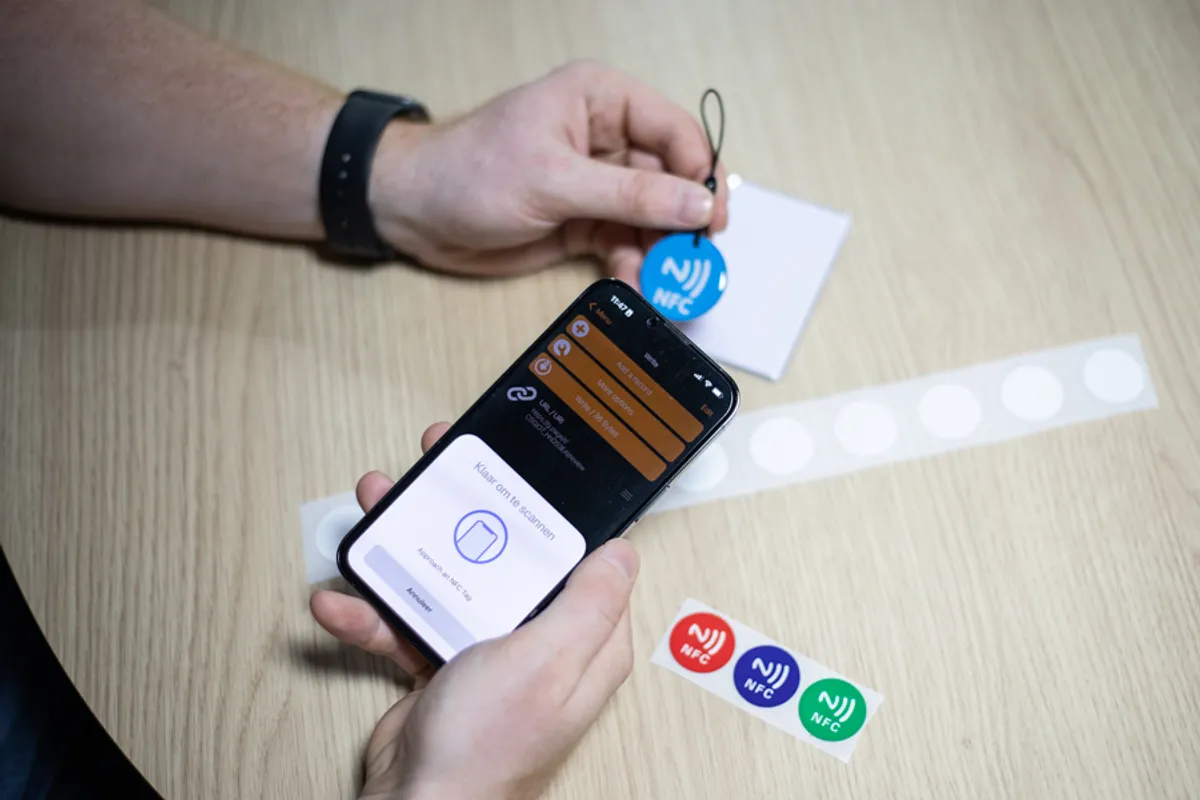
Practical NFC tag placement guide for water utilities, based on 500+ tagged locations across three real deployments. What works outdoors, indoors, in cabinets, and what to do when a site just won't take a tag.
30-second summary
NFC tags only work if workers can find them, scan them, and trust them. Placement decides all three. Here’s what works across 500+ tagged sites, facilities, and pieces of equipment in water utilities.
Why placement matters more than the tag itself
Buying NFC is the easiest part of any rollout. A quality tag costs a few euros and lasts a few thousand scans. The hard part is putting it somewhere that survives weather, damage, and years of weekly scanning.
Get placement right and you get three things at once:
- Proof of presence — the worker was at the site, on the date the timestamp says.
- One-tap data capture — no typing, no searching, no guessing, no GPS fiddling.
- Trust — managers stop wondering if the round really happened.
Get placement wrong and the system slowly falls apart. Workers skip scans. Tags peel off in the rain or come off on their own. The data looks clean, but it isn’t.
What we keep seeing across three water utilities
| Utility | Sites | NFC-tagged | Notes |
|---|---|---|---|
| Komunala Črnomelj | 300+ | ~100 | Tags across water supply, wastewater, hydrants, line flushing, mowing around facilities |
| Občina Kanal ob Soči | 130+ | ~70 | A few dozen locations left untagged (rare visits) |
| Hydrovod | 300+ | 100+ | Tags inside facilities and on electrical cabinets |
Three utilities, three placement strategies. They share more patterns than you’d expect.
Pattern 1: Outdoor critical control points
Best for: pumping stations, small treatment plants, reservoirs, hydrants, fences, and structures along mowing routes.
These are the obvious places. Workers visit them often, inspectors care about them, and the data is regulated.
What works:
- Mount the tag on a junction box or under a small weather hood, not on bare concrete. Important: the tag has to be rated for mounting on metal.
- Use industrial-grade tags rated for outdoor use, and for metal surfaces where needed. Cheap stickers crack within a year, and the antenna inside the tag gets damaged.
- Keep the tag at chest height. Bending or stretching for every scan adds up over a season and can cause back issues. Workers will thank you, especially the older ones.
- Match the tag location to where the worker already stops. No extra detours, no searching.
- Make sure the tag is easy to reach for scanning with a smartphone.
What breaks:
- Direct sun and freeze cycles destroy adhesive over time.
- Tags placed on metal need a ferrite layer underneath, or the read range drops to zero.
- Stickers near the lock get scratched off by keys.
Note: We can supply high-quality TagPlan tags on request. Our tags are rated for outdoor use and metal mounting, with strong 3M adhesive from a trusted manufacturer. When a tag needs to be replaced, the new one is reprogrammed in seconds from the TagPlan mobile app.
Pattern 2: Indoor equipment rooms
Best for: water plants, control rooms, meter shafts, water treatment buildings.
Indoors is easier. No weather, no UV, no theft.
What works:
- Mount the tag near the equipment the worker is checking, not on the door.
- Pair the tag with a small printed label that says what it is for. “Scan to log free chlorine — Reservoir 3.”
- One tag per checklist, not one tag per room. If the same facility is used for multiple workflows, for example HACCP measurements and mowing, use two separate tags mapped to two distinct “locations” in TagPlan. The data stays cleaner.
- If a facility has multiple entrances, you can assign multiple NFC tags to a single location in TagPlan.
What breaks:
- Tags hidden behind equipment. Workers will scan from memory and skip the tag entirely.
Pattern 3: Electrical cabinets
Best for: pumping stations with electrical enclosures, treatment plants with control panels, anywhere the worker opens a cabinet as part of the round.
Hydrovod’s team chose this pattern. The tag sits inside or on the door of an electrical cabinet that the worker already opens.
Why it works:
- The cabinet is part of the round anyway. No detour.
- The tag is sheltered from weather and casual passersby.
- “No scanning issues reported” was the result across 100+ tagged locations.
A simple test for whether this pattern fits: does the worker open this cabinet on every visit? If yes, place the tag inside. If no, find a different spot.
Pattern 4: What to do when a site won’t take a tag
Občina Kanal ob Soči has over 100 sites. Just over 70 have NFC tags. The rest don’t.
The untagged sites are mostly intakes, where there’s nothing safe and accessible to mount a tag on, or sites visited so rarely that NFC tagging isn’t worth the effort.
What works there:
- Treat NFC as one option, not the only one. GPS check-in, signature, and a photo with a timestamp are fair substitutes, and they drop straight into a TagPlan work order.
- Reserve tags for the sites where validation matters most: critical control points, treatment, places that get inspected.
- Use tags wherever it’s important that data lands in the right form. TagPlan users report that NFC scanning sharply reduces data entry errors. Komunala Črnomelj reports practically none, because the correct form opens automatically for that location or control point.
- Accept that 100% tag coverage is the wrong goal. The right goal is 100% of the important sites.
The reliability bar: “no scanning issues”
If a tag works the first time, every time, the system stays in use. If workers scan twice or move their phone around to get a read, they will start skipping.
What gets you there:
- Industrial-grade tags, not consumer stickers.
- Ferrite isolation behind any metal surface.
- Tags placed where the worker can hold the phone naturally, not above their head or under a pipe.
- A quick range test on every tag before the site goes live.
If you can’t get to a clean first-scan rate within a week of installation, move the tag. Don’t ask workers to compensate.
Note: Even with the best placement, scanning NFC tags with a phone takes a bit of practice. Different phones have the NFC reader in different spots. Cases come in all shapes and sizes. Give workers time early on to find the reader on their own phone, work out the right angle, and learn how long to hold it over the tag.
A quick placement checklist
Before mounting any tag, ask:
- Will the worker pass within arm’s reach during a normal round?
- Is the surface non-metallic, is there a ferrite isolation layer, or is the tag rated for metal?
- Is the spot sheltered from direct sun and freeze cycles?
- Will the tag be hidden from passersby but visible to the worker?
- Do workers know where the NFC reader sits on their phone?
Five yeses means a successful install. Anything less and you’re storing up problems for later.
What’s worth measuring after rollout
- Scan success rate per tag. A tag that fails three times a month is in the wrong place.
- Time between scan and data submission. If it’s growing, workers are filling things in later, not on location.
These two numbers tell you, quietly, whether the system is actually being used or just looking like it is.
Three utilities, three placement strategies, one principle: NFC works when it removes friction. Put the tag where the worker already goes. A tag is there to make the work simpler. It opens the right form for data entry, and it records presence without getting in the way. Read more about how this plays out day-to-day in From Paper Rounds to NFC Inspections.